


In this guide5 sections
Portable Document Format (PDF) is a file format used to present and exchange documents reliably, independent of software, hardware, or operating system. PDFs have become the standard for sharing documents across different platforms due to their versatility and security features. In this article, we will delve deeper into PDFs and explore everything you need to know about this popular file format.
What is a PDF?
A PDF is a file format created by Adobe that captures all elements of a printed document as an electronic image that you can view, navigate, print, or forward to someone else. This means that regardless of the software used to create the file, the document will look the same when viewed on any device or operating system.

Advantages of using PDFs
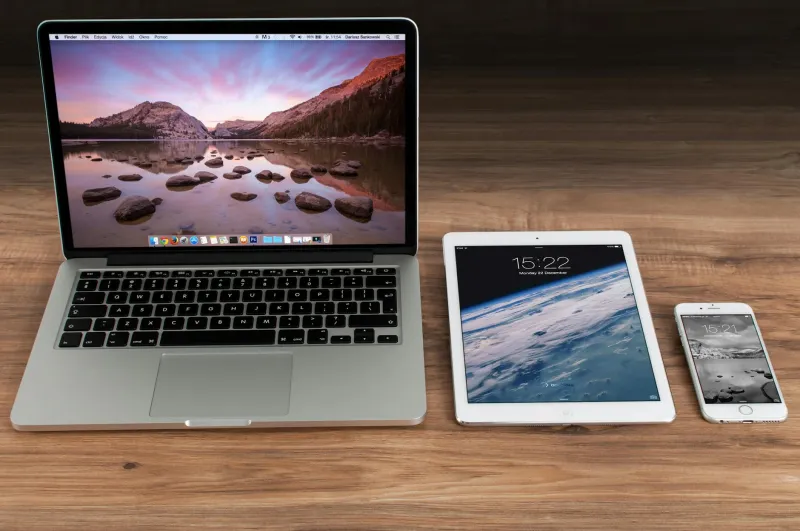
One of the main advantages of using PDFs is their ability to maintain formatting consistency across various platforms. Whether you open a PDF on a Windows computer, Mac, or mobile device, the document will appear the same way as intended by the creator. PDFs are also secure as they can be password-protected to prevent unauthorised access or editing.
How to create a PDF
There are several ways to create a PDF document. Some common methods include using Adobe Acrobat, a PDF conversion tool, or simply printing a document to PDF from any application that supports this feature. You can also convert other file formats like Word or Excel to PDF for easier sharing and distribution.
Editing PDFs
While PDFs are primarily meant for viewing and sharing documents, you can also edit them using tools like Adobe Acrobat or online PDF editors. With these tools, you can add text, images, links, or annotations to your PDF files. Just keep in mind that some editing features may be limited compared to other file formats.
Conclusion
PDFs have revolutionised the way we share and interact with documents. Their portability, security, and versatility make them an essential tool for businesses, students, and anyone who needs to exchange information electronically. By understanding the basics of PDFs and how to create and edit them, you can harness the full potential of this popular file format.